GARMIN CONNECT IQ
Capture That Tile on your Garmin
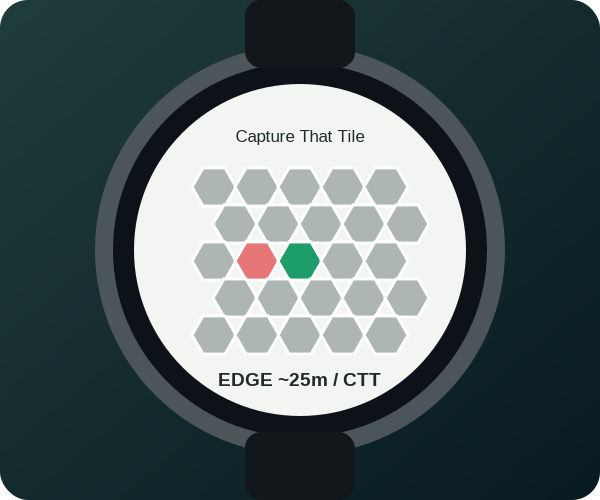
See the hexagons around you during your outdoor activity, directly on your watch.
View in Connect IQ ↗How to install
- Open the Capture That Tile data field in Garmin Connect IQ.
- Install it on a compatible Garmin watch and add it to an activity data screen.
- Create your CTT account or sign in and get your pairing code. Enter it under CTT pairing code in the Connect IQ settings and save.
- Connect a supported sports platform to your Capture That Tile account to synchronize eligible activities.
How tiles are captured
The Garmin data field is a read-only visualization. It does not submit workouts, capture tiles, or create a second synchronization path. Eligible activities are processed only through the sports platform connected to your game account. One sports platform can be active at a time.
Availability
The data field shows nearby Fast Tiles on a compatible Garmin watch. You need a CTT account with game access to see real tile ownership. Use the setup guide above to create an account, sign in and pair your watch. Device compatibility is shown in Connect IQ.